With this update, we're launching Highway Assist, our newest DreamDrive feature. We're also enhancing another driver assistance feature and delivering improvements to your vehicle's sensors for better DreamDrive performance. Before beginning this update, make sure your vehicle is not plugged in.
Highway Assist
Park Distance Warning
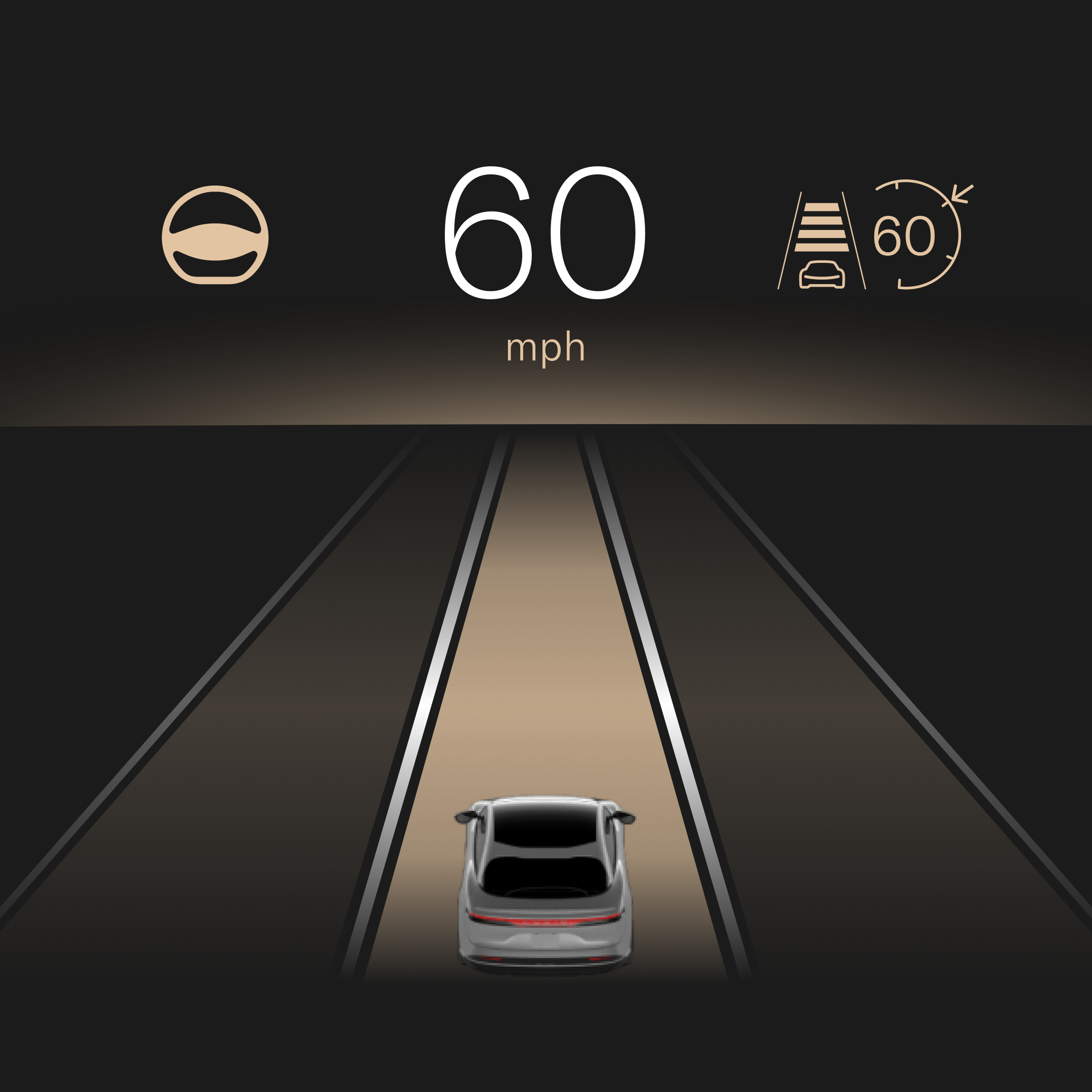
Introducing Highway Assist, the newest DreamDrive feature in your Lucid Air. Highway Assist takes Lucid's assisted driving features to the next level and harnesses Lucid's proprietary ADAS technology to assist with highway driving. Highway Assist utilizes your vehicle's front cameras and sensor array to help you steer and actively center your Lucid Air in the driving lane. It also helps adjust your speed to maintain a safe following distance from the vehicles in front of you. Once this update completes, Highway Assist will be automatically enabled on your vehicle. Before you can begin using Highway Assist, you will need to allow time for your vehicle's sensors to calibrate. To calibrate the sensors, activate Adaptive Cruise Control and drive for at least 30 minutes on straight highways. Once the sensors are calibrated and Highway Assist is ready to activate, you will see a steering wheel icon on the Glass Cockpit to the left of the speedometer. Depending on road and traffic conditions, you may need to drive longer than 30 minutes. In the meantime, Adaptive Cruise Control will still be available. To use Highway Assist, start by pressing the DreamDrive button. On supported highways, the system will default to enabling Highway Assist. Once enabled, press the Set button to activate it. You will hear a chime, and the words Highway Assist will appear at the top of the center Cockpit Panel. You can switch between Highway Assist and Adaptive Cruise Control by pressing and holding the DreamDrive button. Highway Assist is only available on supported highways. When Highway Assist isn't available, the steering wheel icon will not appear, and your vehicle will remain in Adaptive Cruise Control. If you are driving on a road with Highway Assist and the feature becomes unavailable, it will automatically deactivate, and the system will alert you to take control. On highways with tight curves, assisted steering may be limited, and the system will alert you to steer manually until the feature reactivates. Highway Assist is not a replacement for attentive driving, and you are responsible for keeping your hands on the wheel and maintaining control of your vehicle at all times. For more details, see your Owner's Manual.
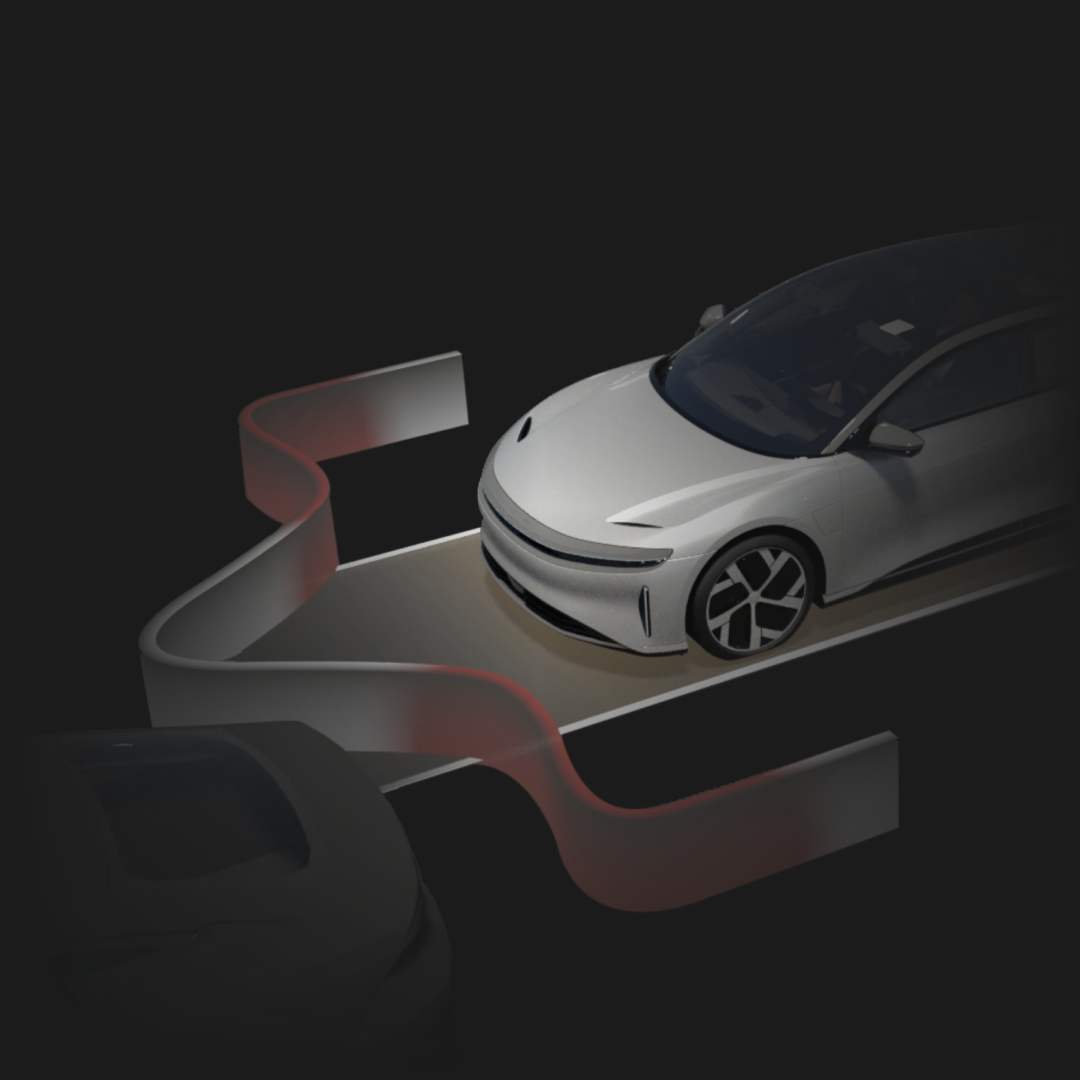
We've updated the visual Park Distance Warning cues on both the Glass Cockpit and the Pilot Panel to give you a better sense of your distance from other vehicles or objects and avoid impact when maneuvering in a tight or tricky space. Always check your surroundings when parking.