With this update, we're adding new languages to your vehicle and providing other general vehicle enhancements. We're also releasing a comprehensive Navigation update to help you get wherever you need to go more easily.
New Languages
Key Fob
Traffic Sign Recognition
Navigation
Offline Navigation Mode
More Interactive Map
Improved Range Estimates & Routes
Other Navigation Updates
Other Minor Updates
You can now set French (Canada) or Spanish (Mexico) as your system language. These new language settings apply to both your displays and Navigation.
To change your language settings, tap Displays > System Language and select your desired language from the list.

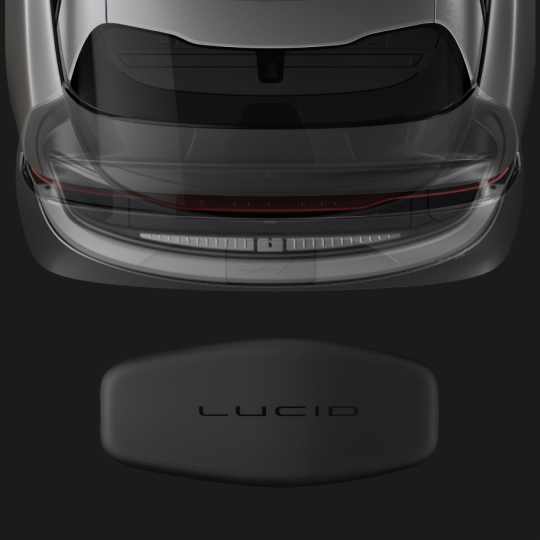
You can now open your trunk with your key fob.
To open the trunk, short press the key fob once, then long press again. If you are within range, the trunk will open. You can also close the trunk using the same short- then long-press combination.
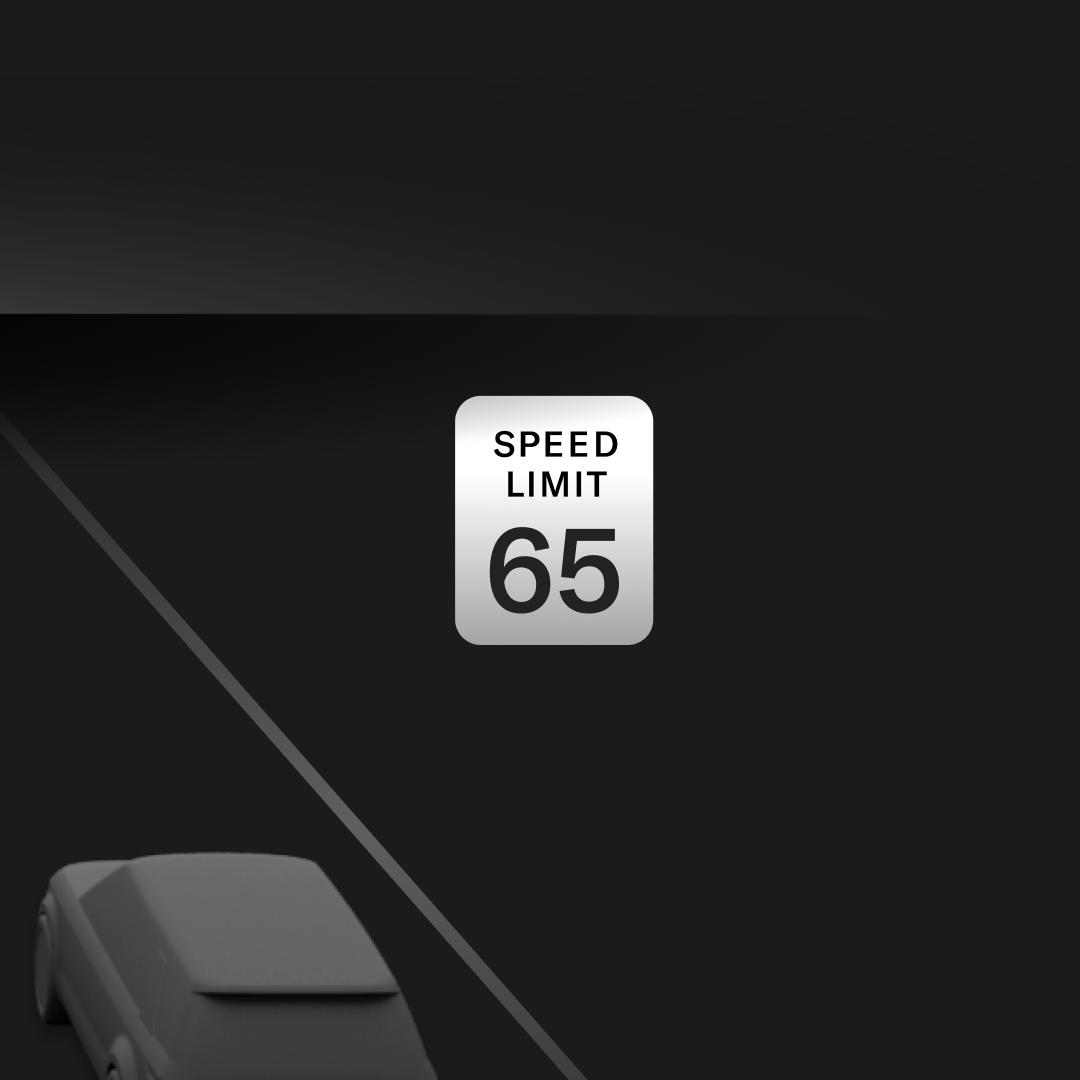
We've enhanced your vehicle's ability to identify traffic signs, including those in Canada. Your vehicle notifies you when it recognizes certain traffic signs, keeping you informed of speed limit changes and other important road information.
In this update, we've made sweeping improvements to our Navigation app, releasing highly anticipated enhancements and improvements for a smoother Navigation experience.
We care about your privacy, which is why we've introduced Offline Mode. In Offline Mode, you can use GPS to navigate while your vehicle is otherwise not connected to any cellular or Wi-Fi networks.
To enter Offline Mode, go to Navigation Settings > Offline Mode and turn the toggle ON.
Offline maps are required to navigate in Offline Mode. To download the maps you need, go to Navigation Settings > Offline Maps > Download Maps, then select the maps you want to download. The regions of the maps you have already downloaded will appear under Downloaded Maps. We've also added the ability to pause and resume specific map downloads, giving you more control over how many maps are downloading at once.
We've also added features to make the map more interactive. You can now tap a point of interest or stop along your route to view information about it, and where available, pictures and ratings from TripAdvisor. If you search a particular area for a type of destination, you can now pan in or out and search again in the new map area by tapping Search This Area. If you are unable to find a specific point of interest or destination, you can now tap any location on the map, and the app will route you to it.
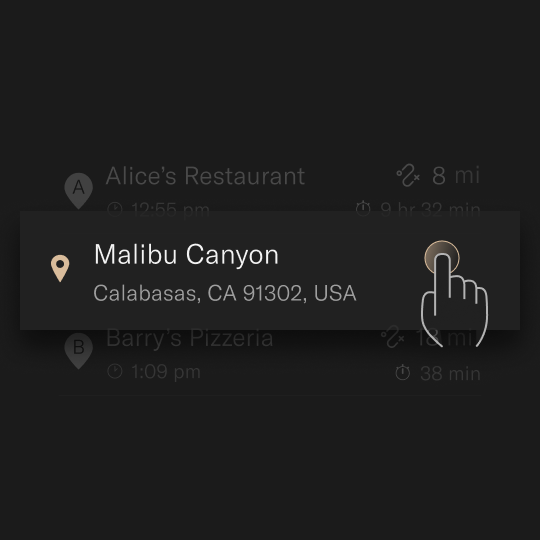
We've improved how we calculate estimated range to improve routes between charging stations. We've also added battery charge details to more places in the user interface, so they are easier to find, and Navigation will propose up to 3 optimized routes so you can choose the best one for you.
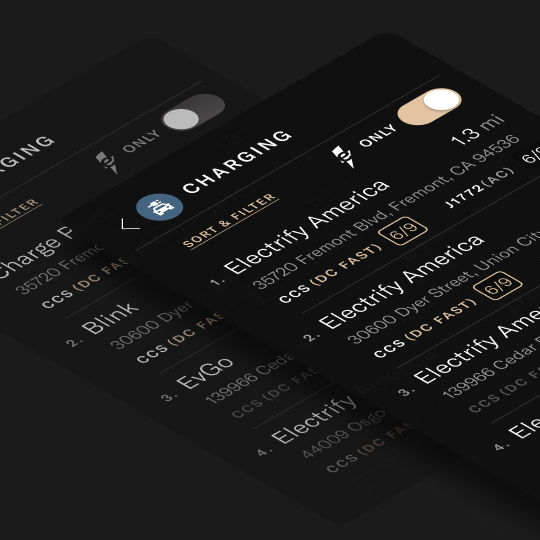
To help you find Electrify America charging stations more easily, Navigation will now default to searching just for Electrify America charging stations. You can disable this setting to add all charging stations to your search results.
Navigation will now remember a route in progress if you take a break. When you turn your vehicle back on, the active route will automatically appear on your displays. Navigation will also remember your recent searches, so you no longer have to re-type a destination you just searched for.
Finally, all routes will now display traffic information, so you can plan accordingly.
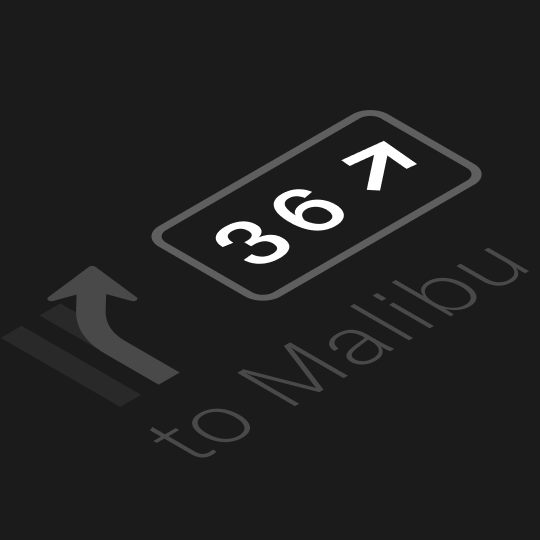
We've updated Navigation to include the exit number and destination in both turn-by-turn guidance and the directions list.
Navigation now features lane guidance on the right side of the Glass Cockpit, so you can anticipate which lane to be in before making a turn.
If you've changed your map view during your route, it will no longer return to the default view until you tap Recenter or switch Map Modes.
We've added the option to sort and filter charging stations according to your preferences. You can now filter by distance, power output, plug type, and more.
We've added the ability to manually remove and change the order of planned stops to customize your route.
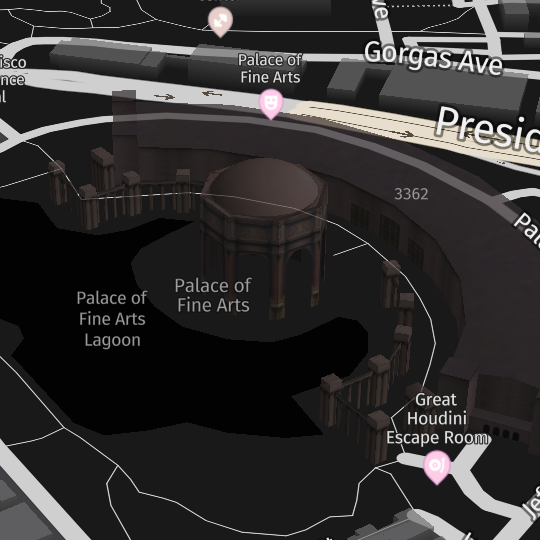
We've added realistic 3-D landmarks to maps.
- We’ve enabled HiFi streaming in TIDAL for a higher quality audio experience when you have an eligible TIDAL account.
- We improved fan operation for a more comfortable climate control experience.
- Other minor updates, improvements, and fixes.